
The Account tab
Your session, this device, and the app's own behaviour.
Signed in
Shows who you are signed in as and your organization's seat usage.
Signing out ends the session only. Your governed tools keep pointing at the Gateway and start failing closed rather than quietly reverting to the direct provider. This is deliberate: silently ungoverning a machine because someone signed out would be the worst possible failure mode for a governance product. Removing the device entirely is an admin action, from the console.
Device identity
The ECDSA P-256 key pair for this machine, stored in the OS secure storage. Not exportable, not copyable to another machine.
Automatic governing
On by default. New tools and new local MCP servers are governed in the background as they appear, and tools that drift back to the direct provider are re-governed.
Start at login
Whether the app launches when you sign in to the machine. Both this and automatic governing can be pinned by a managed configuration, in which case they show as managed by your organization.
Diagnostics
Export logs writes a bundle and shows you where it is. Open logs folder opens the directory.
These are event logs only — no prompt content and no secrets — and they are kept for 14 days. This is the same material an admin receives when they request logs from your device.
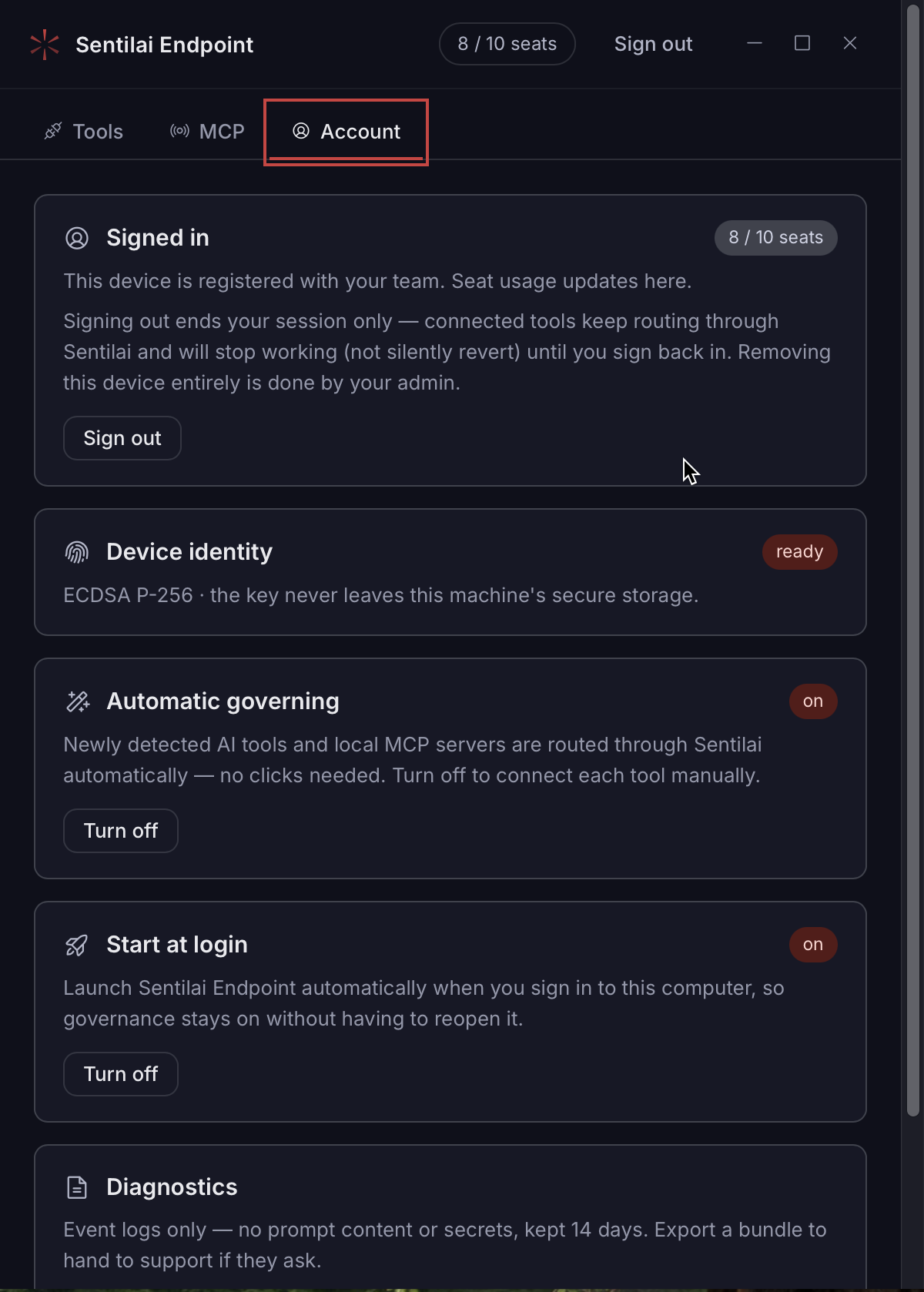 The Account tab — the signed-in session, this device’s identity key, and automatic governing.
No comments to display
No comments to display