
Claude Code
Claude Code is the smoothest of the adapters, and the only one where a subscription can carry through unchanged.
Before you connect
Open Claude Code's own account panel and check it is using your Claude subscription rather than an API key. If it says "API Key", the request is already being billed somewhere else and connecting it to Sentilai will not change that.
Connecting
Tools → Claude Code → Connect. The app explains what it is about to edit and asks you to confirm twice, because it is modifying a settings file that Claude Code owns.
Your subscription keeps billing exactly as before. Sentilai governs and audits the request on the way through; it does not become the payer.
Restart it
Claude Code reads this setting only at startup. Fully quit and reopen it — the app says so in bold, and it is still the most common reason someone reports "I connected it but nothing shows up in Activity".
Disconnecting
Disconnect restores the previous configuration. If your organization has locked this down through a managed configuration, the button is not shown and the card explains why.
What it looks like when it works
The tool card shows routed through Sentilai, and the first prompt you send produces a row in the admin console's Activity feed within a few seconds.
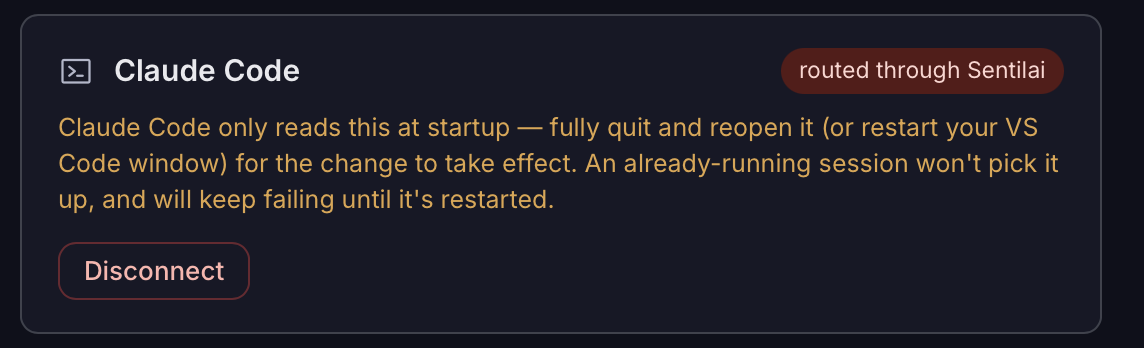 Claude Code, routed through Sentilai. It reads this only at startup, so an already-running session must be restarted.
No comments to display
No comments to display