
Gemini CLI and Codex CLI
Both are handled by the standard adapter path: detected automatically and governed through Govern all detected tools.
Connecting
Neither has a card of its own on the Tools tab — that tab shows individual cards for Claude Code, Cursor and GitHub Copilot only. Gemini CLI and Codex CLI are connected by Govern all detected tools, which names each one as it goes ("Gemini CLI: already governed"). Then restart your terminal — like every other command-line tool here, they read their environment at startup.
Connection mode
Both appear in Policy → Connection modes in the admin console, where an admin chooses whether they run on the developer's own subscription or on the organization's managed provider key.
Codex CLI and posture
Codex CLI has settings that materially change how much autonomy the agent has, and the Endpoint Suite reports on them:
approval_policy: never— the agent never asks before acting.sandbox_mode: danger-full-access— the sandbox is effectively off.sandbox_workspace_write.network_access: true— the agent can reach the network from inside its workspace sandbox.
These are reported, not blocked. They appear as posture findings on the device in the admin console's Diagnostics screen, so an admin can have a conversation about them. See Posture findings.
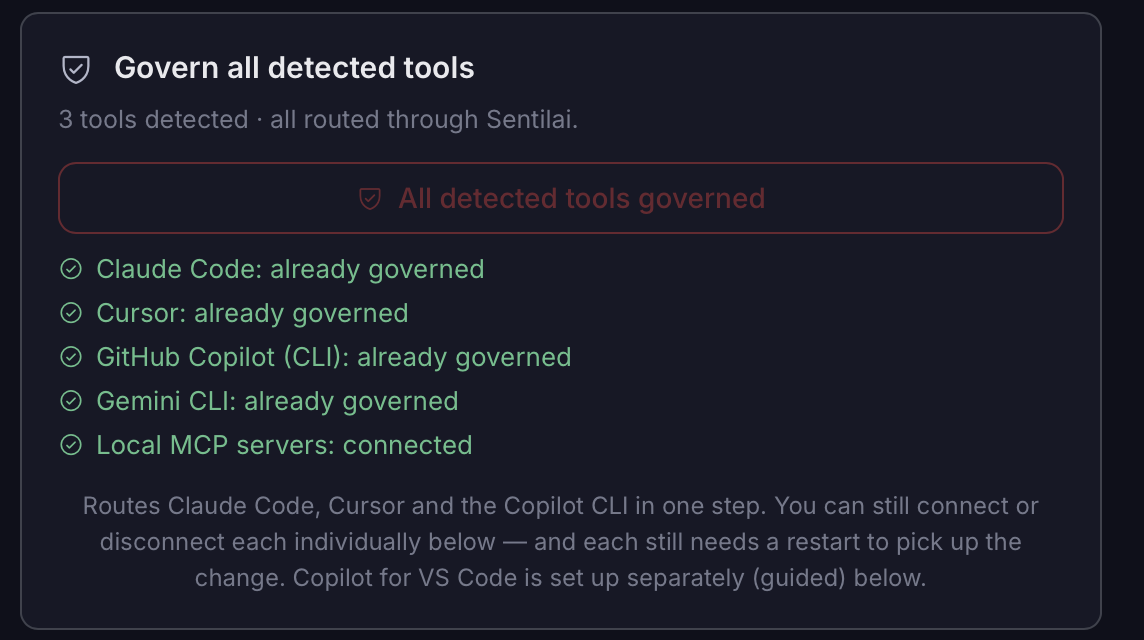 Gemini CLI and Codex CLI are governed through “Govern all detected tools”, which names them as it goes. Unlike Claude Code, Cursor and Copilot, neither has a card of its own on the Tools tab.