
Credentials in context
Catches credentials that do not match a known vendor format — internal tokens, database passwords, connection strings. Default: report.
How it works
Rather than matching a shape, it looks for a credential-ish keyword close to a value that behaves like a secret. "password", "api_key", "token", "secret" next to something that looks like a value rather than a description.
Why it defaults to report, not warn
This is a heuristic and it is wrong more often than the format matchers. It deliberately
filters out the common innocent cases — a type annotation like password: string, a
placeholder with no digits, a variable name with no value attached — but it will still
sometimes flag a config example.
Run it in report for a while and look at what it actually catches in Activity before you promote it. If your team writes a lot of infrastructure code, expect noise.
What is recorded
Kind and count only, like every other detector. Never the matched value.
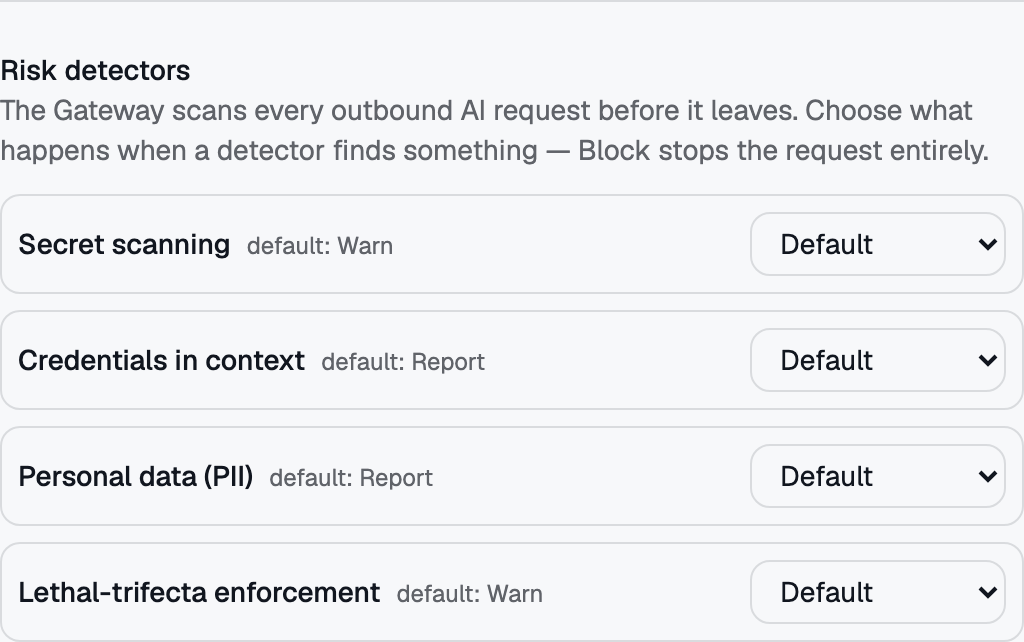 Credentials in context has its own row under Risk detectors, separate from secret scanning — it catches credentials arriving via attached files and context, not just the typed prompt.