
Approve and review new servers
The workflow that turns MCP from a free-for-all into something you have decided about.
Turning it on
Policy → Require approval for new MCP servers. Then choose a pending action — what happens to a server nobody has reviewed yet: allow, report, warn or block.
What counts as reviewed
Any explicit per-server rule. There is no separate approve button: setting a server's rule to allow is approving it, and setting it to block is rejecting it. A server with no rule is unreviewed, and gets the pending action.
The workflow in practice
- MCP Inventory lists everything discovered, with a Pending approval badge on anything unreviewed.
- For each one, decide. The server name, where it was seen, and which developers use it are usually enough; if not, ask them.
- Set the Override selector on that row. The badge disappears.
Choosing the pending action
Report is the right starting point: nothing breaks, and you get a queue. Once your inventory is under control, move it to Block so that a genuinely new server is stopped until somebody looks at it.
Jumping straight to Block on day one blocks everything your team already depends on, because nothing has a rule yet.
What this does not do
It gates servers, not the tools inside them. If you approve a server, you approve everything it currently offers — which is why the rug-pull tripwire exists, and why per-tool rules exist for servers where you want to be more specific.
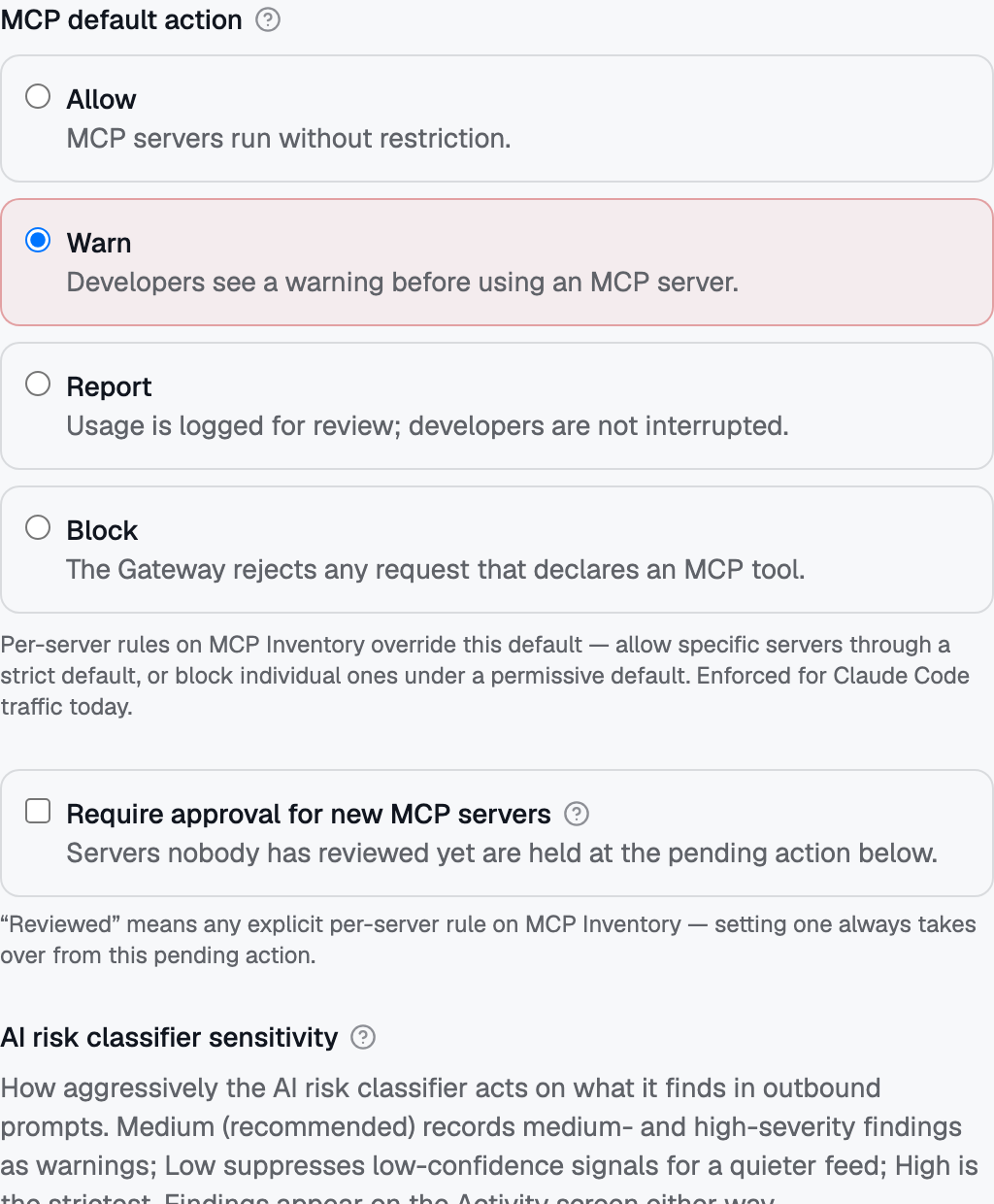 The MCP default action card carries the "Require approval for new MCP servers" switch — servers nobody has reviewed wait for an admin before first use.
No comments to display
No comments to display