
Your first hour
This is the shortest path from a new organization to a governed request you can see in the console. The Getting Started page in the console tracks the same six steps and knows which ones you have finished.
1. Secure your own account (2 minutes)
You signed in with a passkey from your invite link. Add a second one now, from a different device, on Account & Profile. If your only passkey lives on a laptop and the laptop dies, nobody can let you back in — there is no password to fall back on.
2. Add a provider key (5 minutes)
Providers → Add Provider. Sentilai needs a key for the AI provider your team's tools should use — Anthropic for Claude Code, OpenAI for Cursor and Copilot. Without one, tools in managed mode get an error instead of an answer.
If your developers pay for their own Claude or Copilot subscriptions and you only want governance, you can skip this — see Subscription or managed key.
3. Invite your team (5 minutes)
Users & Teams. Invite at least one other admin, so you are not the only person who can get in. Then invite the developers whose tools you want governed. Everyone gets a passkey setup link; nobody chooses a password.
4. Set your policy (10 minutes)
Policy. The defaults are deliberately mild — you will see everything and block almost nothing. Read Choosing your first policy before you start tightening; a policy that blocks too much on day one teaches your team to route around you.
5. Connect the first tool (10 minutes)
Install the Endpoint Suite on one machine — yours, or a willing developer's. Sign in, press Govern all detected tools, restart the tool. See Install the Endpoint Suite.
6. Watch it work
Activity. Within seconds of the first prompt, a row appears: who, which tool, which model, what the policy decided. That row is the whole product in one line.
Then what
Once one machine works end to end, the rest is repetition: roll the Endpoint Suite out, optionally through your MDM, and tighten policy as you learn what your team actually does. Rolling out to the team covers the scale-up.
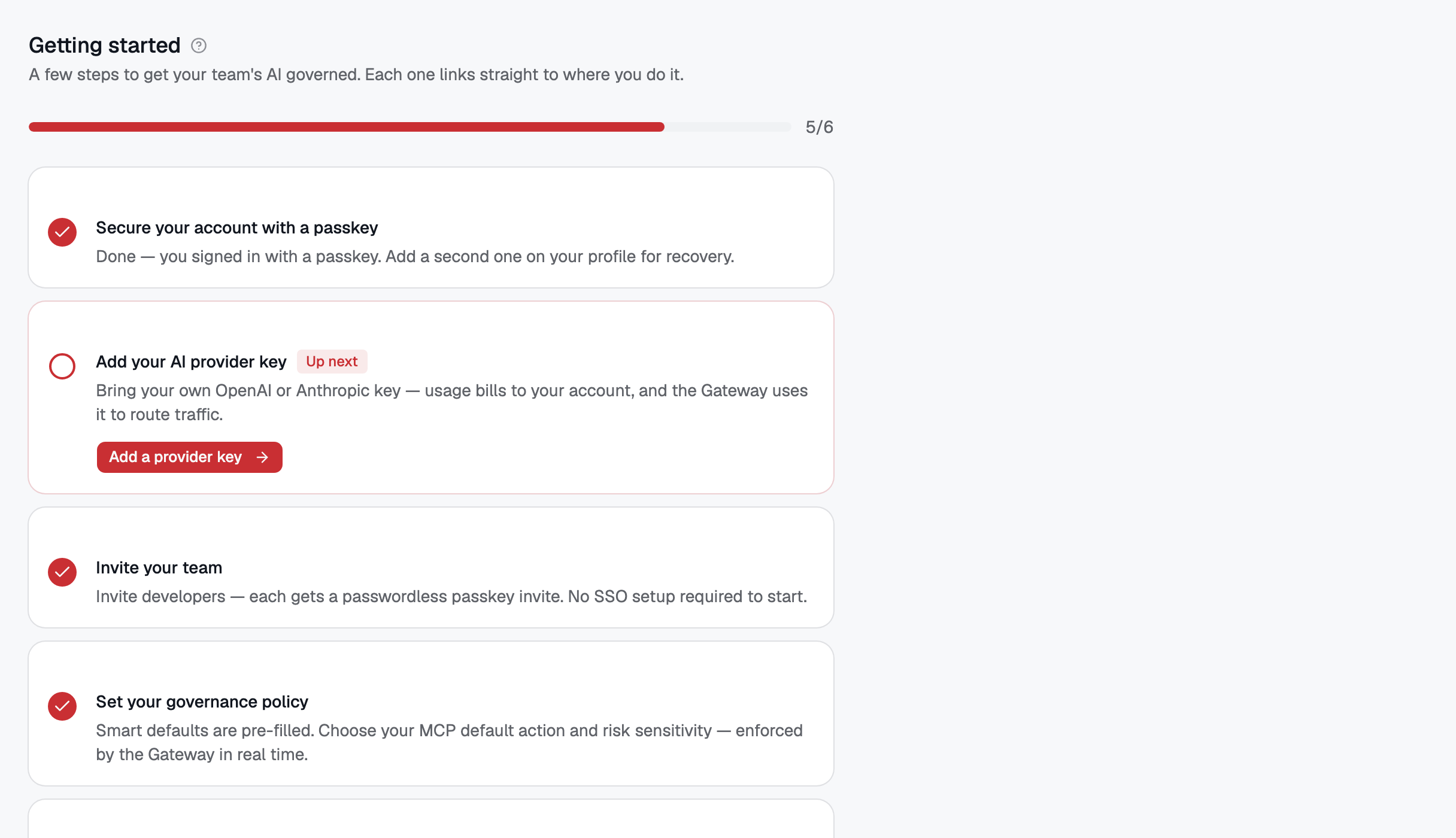 The Getting Started checklist. Each step knows whether you have finished it, from real data rather than a box you tick.
No comments to display
No comments to display