
Install the Endpoint Suite
The Endpoint Suite is the desktop app that puts a developer's machine under governance. It signs them in, registers the device, and points their AI tools at the Gateway.
Installers for both platforms are at sentilai.com/download — the page shows the current version, file sizes and SHA-256 checksums.
macOS
- Download the
.dmgfrom sentilai.com/download (or the link your admin gaveyou.you). - Drag the app into Applications before opening it. Opening it from the mounted disk image leaves macOS running it from a temporary read-only location, and it will not be able to store its device key.
- Open it from Applications. The app is signed and notarized by Apple. On first open, macOS still shows its standard confirmation for anything downloaded from the internet — the dialog says "Apple checked it for malicious software and none was detected". Click Open. That is the only prompt; there is no "unidentified developer" warning.
The download runs on both Apple Silicon and Intel Macs (one universal app).
Windows
- Download
setup.exeand run it. It installs per user — no administrator prompt, nothing written to Program Files. - Windows SmartScreen may show a "Windows protected your PC" warning. The installer is Authenticode-signed — click More info and check that the publisher reads BRIGHTOPS SMART SOLUTIONS SOCIEDAD LIMITADA (Sentilai's legal entity), then Run anyway. The warning reflects SmartScreen's reputation score, which builds as more machines install the app; it disappears on its own over time. If More info shows no publisher at all, stop — that file did not come from us.
Signing in
The app opens your normal browser to sign in with a passkey — Touch ID, Windows Hello, or a security key. Nothing is typed into the app itself, which is why there is no password field anywhere in it.
If the browser window closes without finishing, press Sign in with browser again.
Device identity
On first run the app creates an ECDSA P-256 key pair and stores the private key in the operating system's secure storage — Keychain on macOS, Credential Manager on Windows. The private key never leaves the machine and is not something you can export or copy to another computer.
The card on the sign-in screen shows whether this succeeded. If it says it failed, see Endpoint Suite problems.
Seats
Signing in consumes one of your organization's seats. The topbar and the Account tab both show the current count.
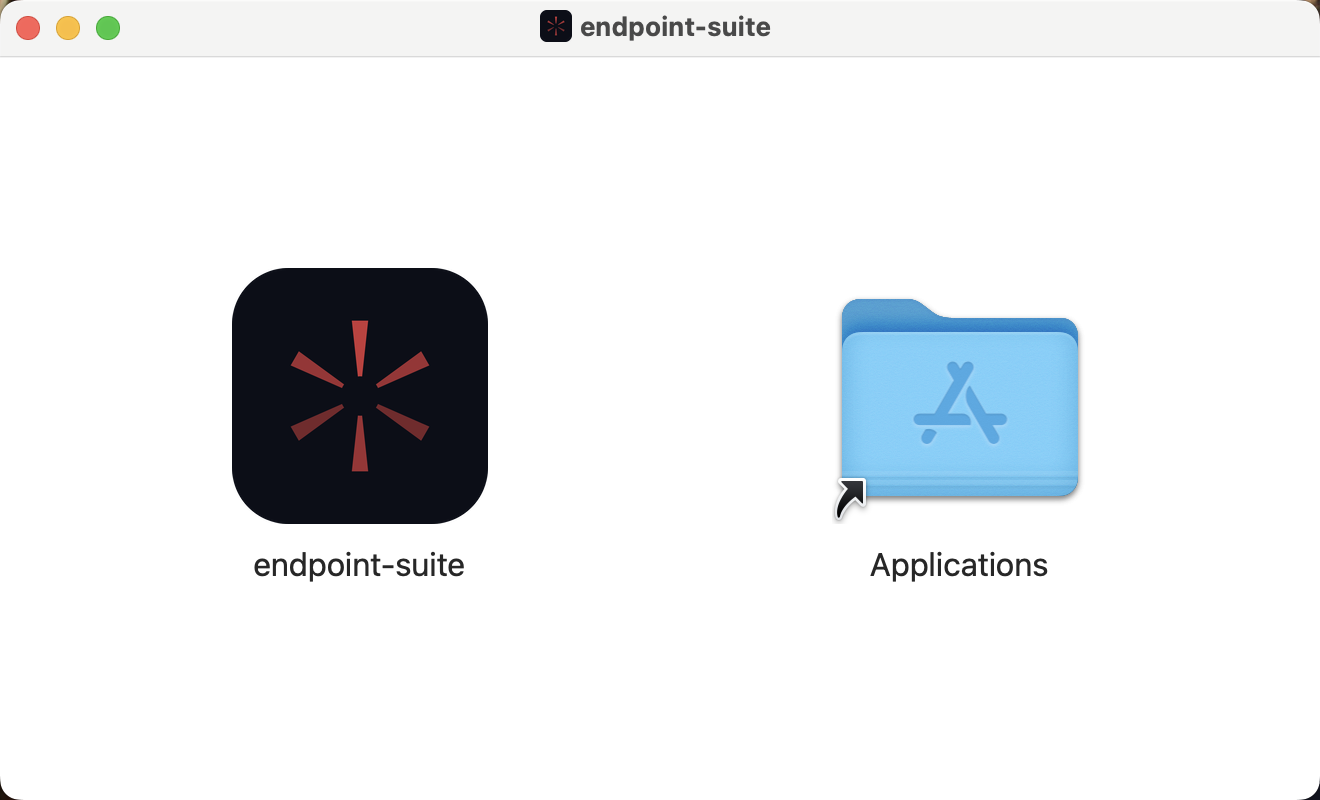 The disk image opens on the one instruction that matters: drag the app into Applications. Run from the image instead and macOS executes it from a translocated read-only path, where it cannot keep its device key.