
Read the activity feed
Activity is the audit trail: every AI request your developers send through the Gateway, with the policy decision attached. The small dot beside the title means the view is updating live.
The four tiles
Requests and Blocked for the selected window, plus Top models and Top MCP servers — a quick read on what your team leans on.
The columns
| Column | What it tells you |
|---|---|
| When | Request time |
| Developer | Who, and which tool (Claude Code, Cursor, Copilot…) |
| Model | The model actually used |
| Signals | Risk findings and MCP servers involved |
| Mode | Subscription (their own plan) or API key (your managed key) |
| Outcome | OK, Blocked, or an upstream error |
| Tokens / Duration | Size and latency |
A blocked row is tinted and carries a red rail on the left, so it stands out when you're scanning rather than reading.
Filters
Time window, outcome, event type, developer, and a model filter. The common investigation — "show me everything blocked in the last 24 hours" — is two clicks.
Mode is worth understanding
Subscription means the developer's own AI subscription paid for that request and
Sentilai only governed it. API key means it went through your organization's provider
key and is billed to you. Both are audited identically; the difference is who pays.
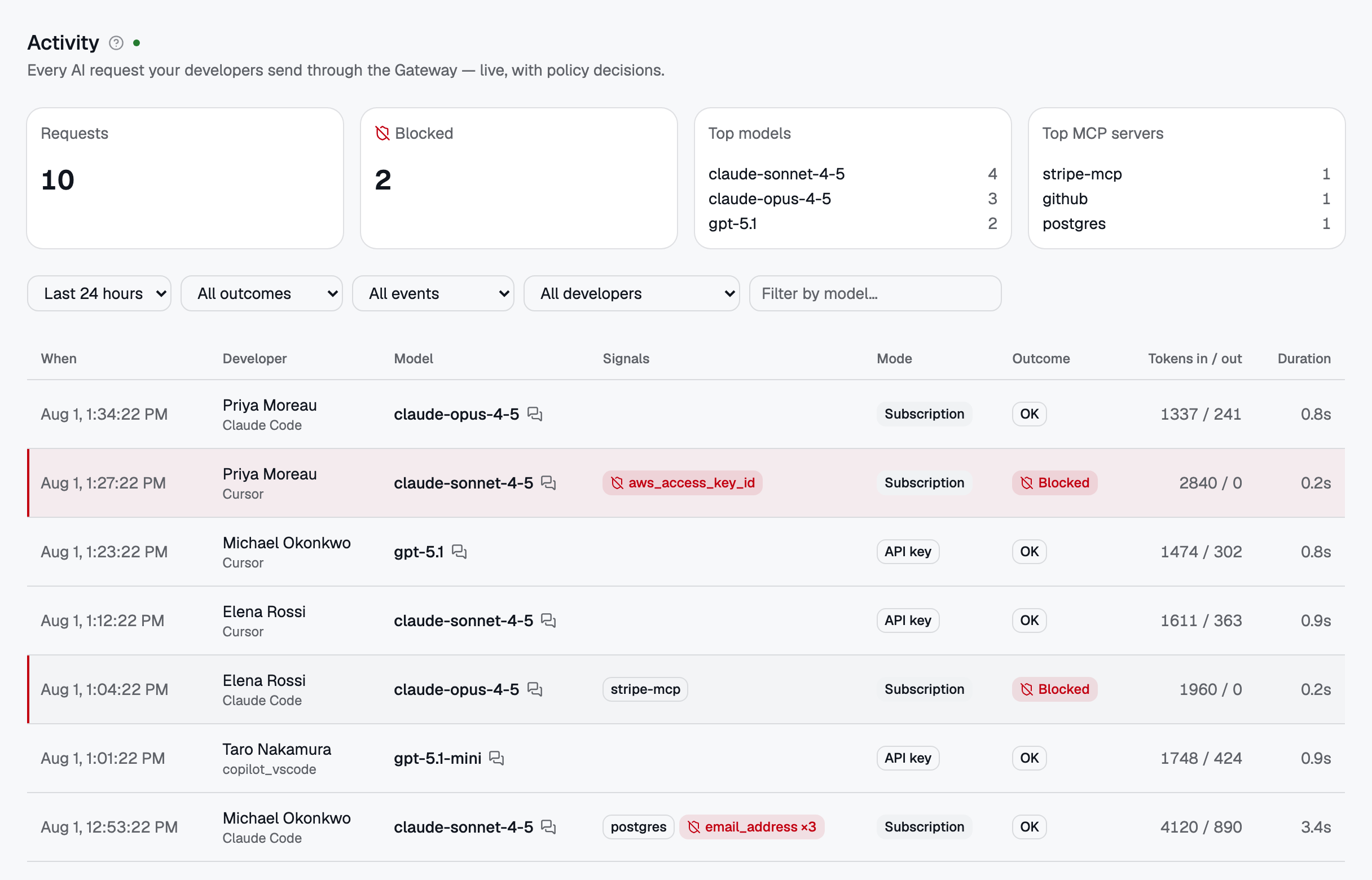
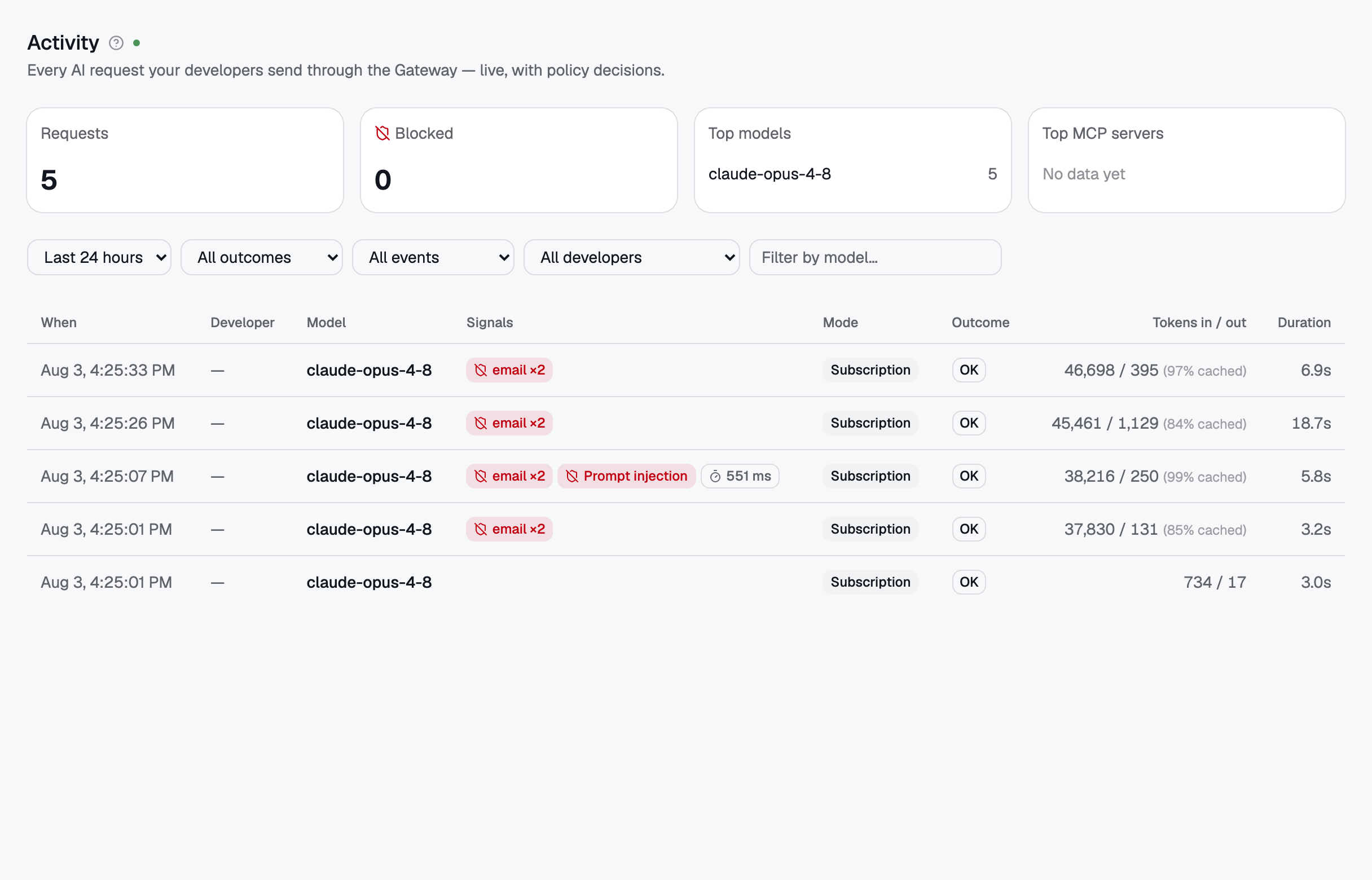 The Activity feed: every AI request with its policy decision. Blocked rows carry a red rail.